How to Install
Requirements
Before installing the application, ensure that following conditions are met
Operating system must be Windows 7/8/10
At least 1 Gigabyte of random
The PC must have at least 100Megabytes of free space
See also
Artificial Intelligence with NanoEdge AI
You might want to install the NanoEdge AI tool to use the generated logs.
Installation
To install the future simulator app requires four simple steps,
Download the installer file.
Double click on installer to start installation process
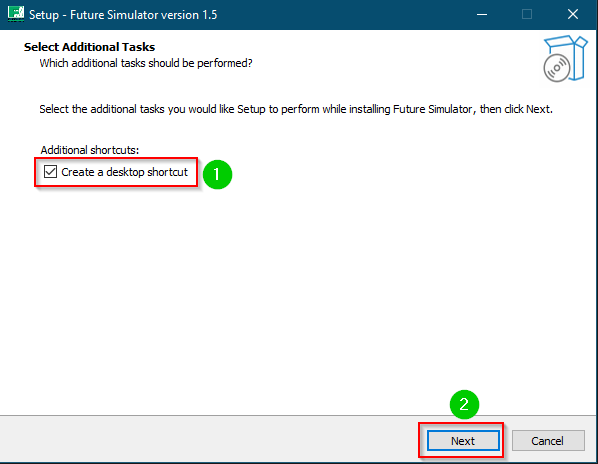
Installation Step 1
Its optional to include shortcuts. Check the box if you would like to create a shortcut to the simulator
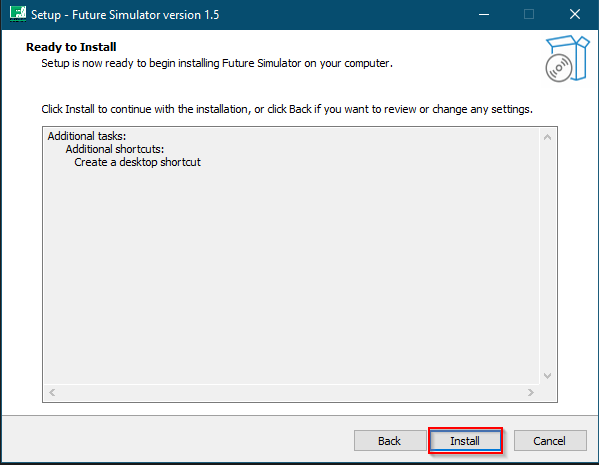
Installation step 2
Click on the finish button after installation
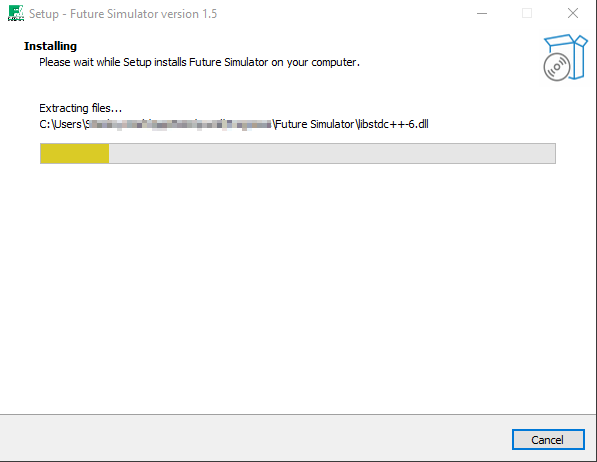
Installation step 3
Launch the application
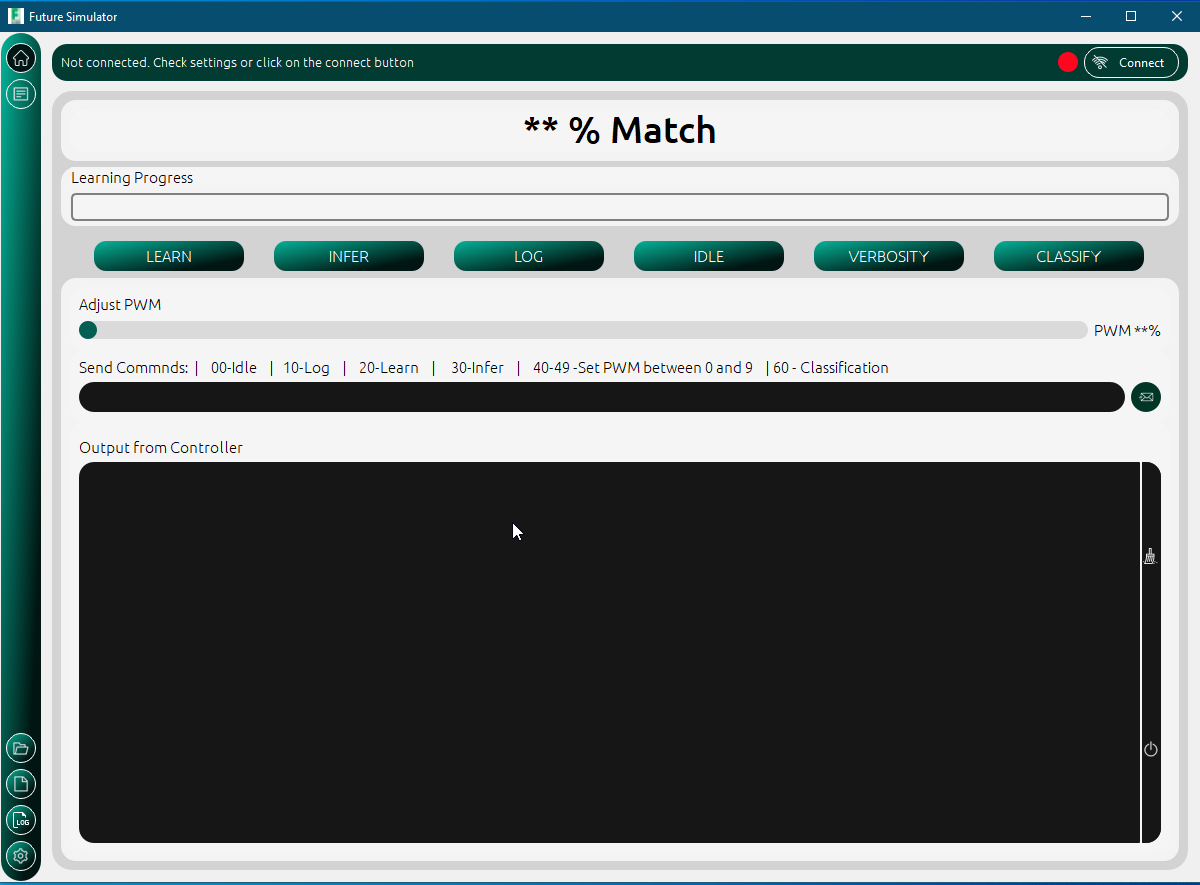
Installation step 4