How to Install
Requirements
Before installing the application, ensure that following conditions are met
Operating system must be Windows 7/8/10
At least 1 Gigabyte of random
The PC must have at least 100Megabytes of free space
Installation
To install the future simulator app requires four simple steps,
1 Download the installer file.
2 Double click on installer to start installation process
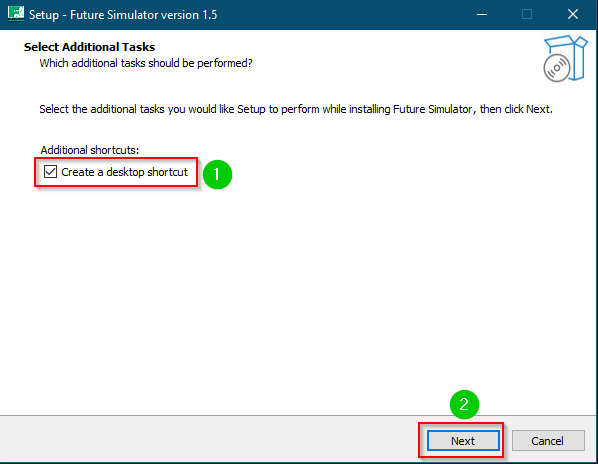
3 Its optional to include shortcuts. Check the box if you would like to create a shortcut to the simulator
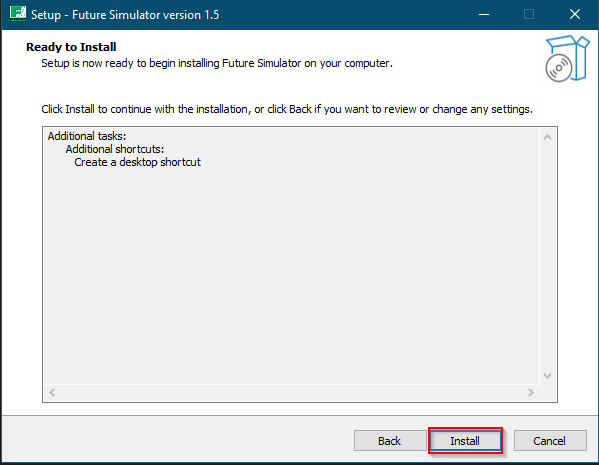
4 Click on the finish button after installation

Launch the application
